Make room for every story
Create and rename albums, then organize unsorted photos into the collections that make sense to you.

Your library. Your stories.
Give every photo a place. Browse your library, create albums and rediscover your favorite moments with Albumizer.
By Spyridon Bousios · Free at launch
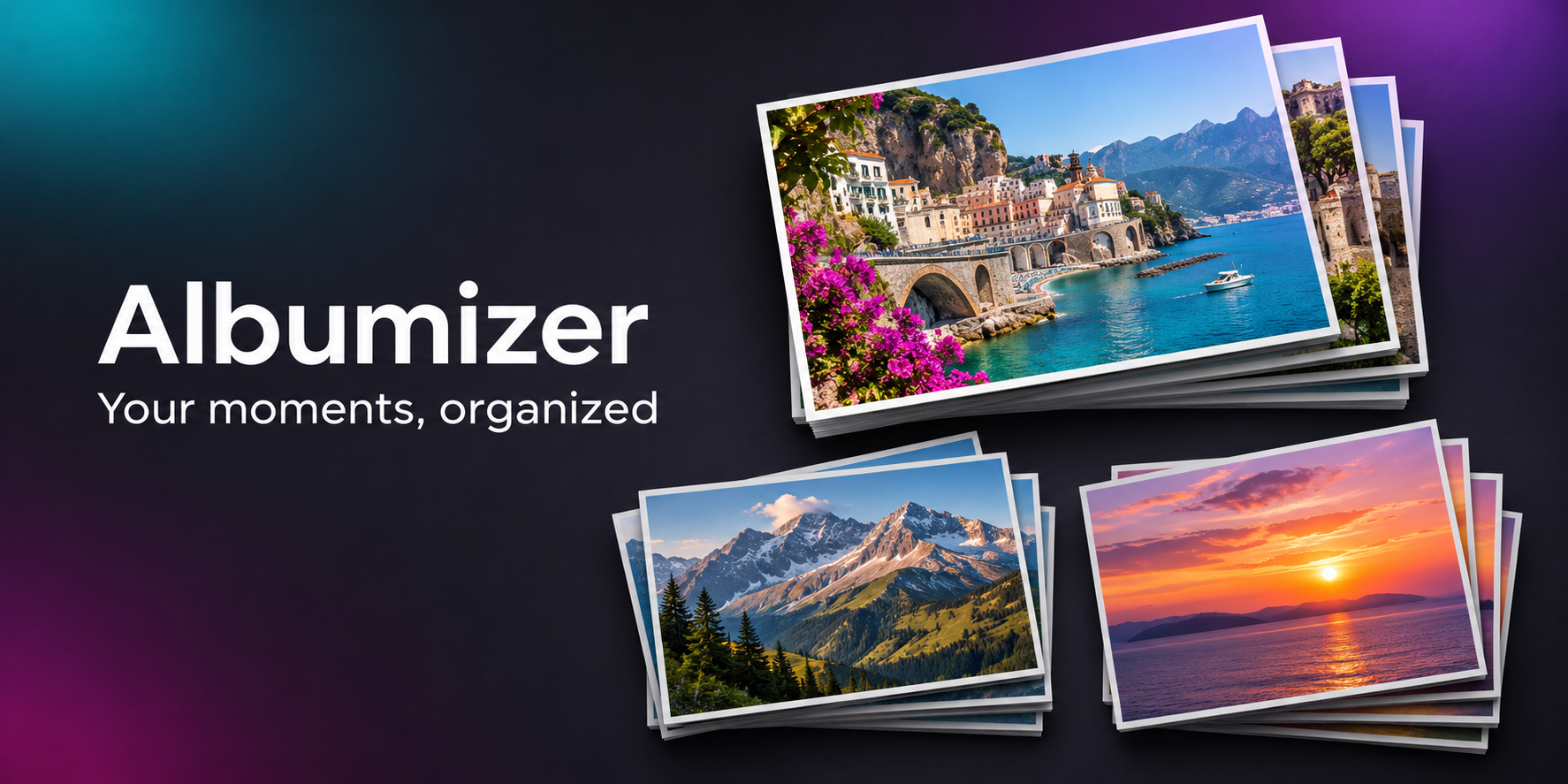
A little order. More memories.
Create and rename albums, then organize unsorted photos into the collections that make sense to you.
Review your photos, mark favorites and zoom in to see the details.
The first-use guide explains the controls. Hold a navigation arrow for more than one second to start browsing quickly.
Albumizer works with the photo library you allow it to access. Its organization features run on your device; it does not upload your library to a developer-operated server.
On Android, placing a photo in an album moves it into the corresponding folder. On iOS, a photo can belong to multiple albums. Albumizer Bin is a review area, not a backup. Permanent deletion removes the selected media.
Read the privacy policy →The updated iOS app is in TestFlight testing. The Android release is being prepared for Google Play. Both are planned to launch free. Any future optional Pro features will be clearly described before purchase.
The existing listing may show an earlier version. For beta questions, contact support.